Ask how to track decisions and action items from meetings, and the answer is timing: sort them while the call is still running, and check the lists before everyone leaves. In a Chief Live Session, the To-dos and Decisions tags apply themselves as people talk, so you leave with both lists one click away. Owners and dates take a person: a to-do names its owner only when someone says who owns it, and Chief doesn't set due dates.
Disclosure. We build Chief, which sits in the meeting-capture category, so this guide walks through our own product.
Key Takeaways
- The To-dos and Decisions tags apply themselves to the points Chief writes during a Live Session.
- One click in the Live Notes toolbar shows only to-dos or only decisions.
- You can take a wrong tag off and add your own tag. You can mark a to-do done, if you can edit the session's summary.
- Chief doesn't set due dates or pick an owner.
- After the call, Copy takes the Live Notes with each point's tags written after it.
What does Chief do here, and what doesn't it?#
The standard advice is right. Every action item needs a what, a who and a when, and someone still owns the follow-through. A tag doesn't do that work for you. As one dev.to post puts it: "The transcript exists. The summary exists. The decision has still evaporated." (automate-archit, dev.to, 2026-09-09)
Chief covers the sorting. As people talk, Chief sorts each point it writes, and the To-dos and Decisions tags apply themselves. Chief can re-sort a point as the call goes on. For example, a plan the group settles can become a decision.
How do you track decisions and to-dos during the call?#
1. Start a Live Session#
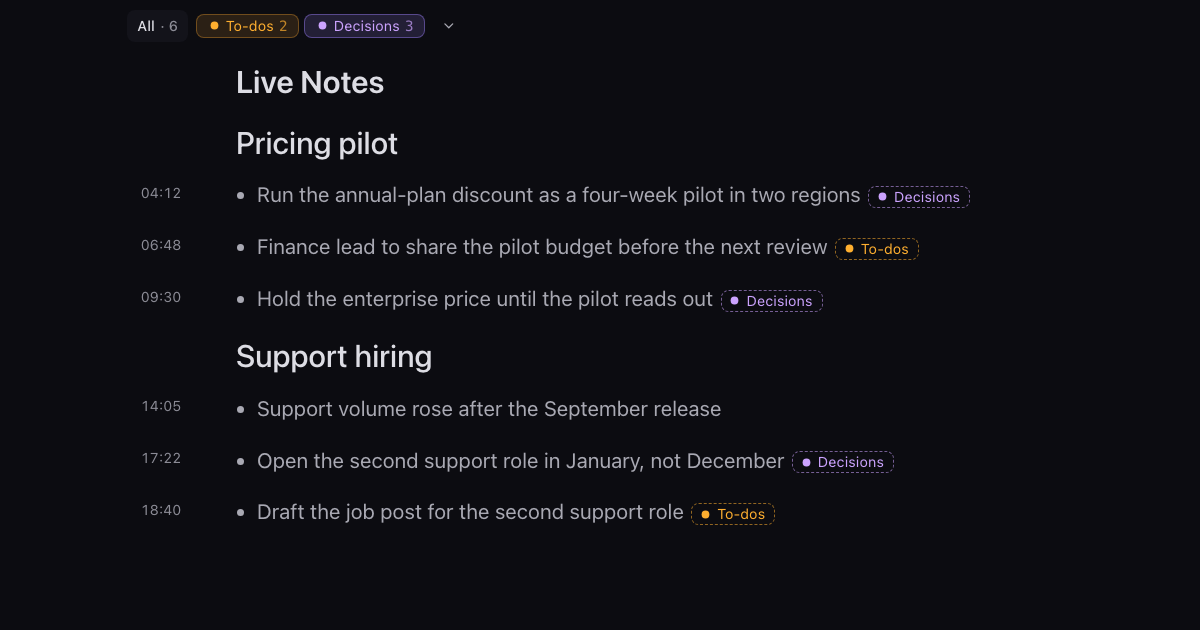
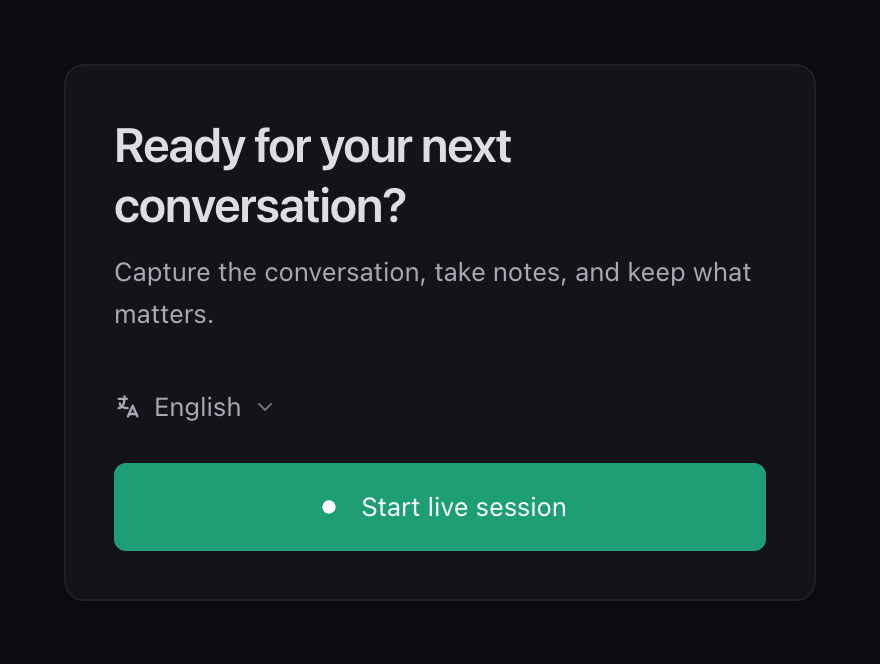
In the Chief desktop app, click Start live session. Chief writes the summary into a document called Live Notes, and it updates as people talk. As people talk, Chief sorts each point it writes, and the To-dos and Decisions tags apply themselves.
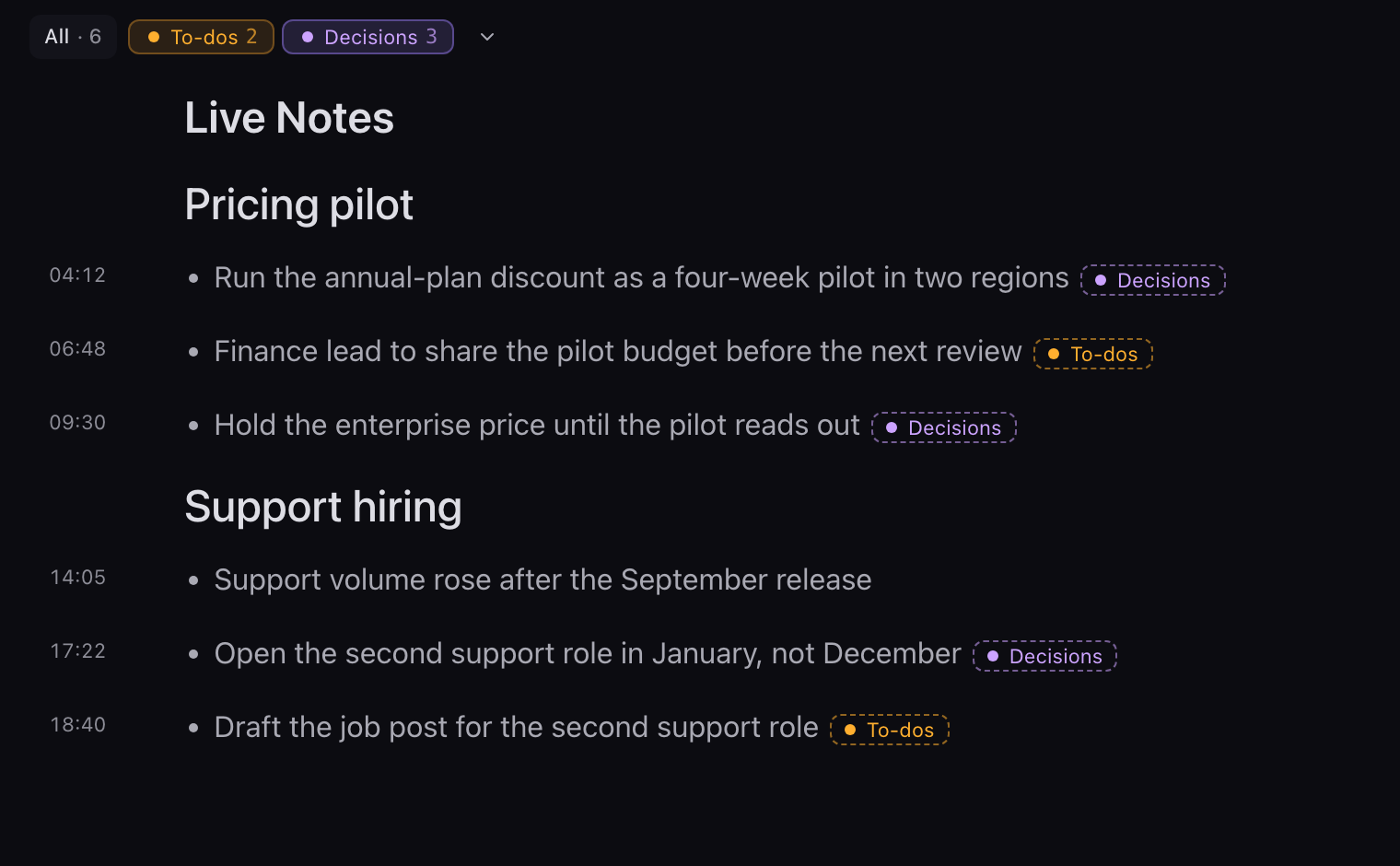
2. Watch the points arrive already tagged#
Every project starts with two Auto-apply Tags, To-dos and Decisions.
Chief counts something as a to-do when it's a concrete commitment someone would track after the call. It counts a decision when the group reached a conclusion that affects future work. Points that are neither a to-do nor a decision stay in Live Notes without a tag.
3. Show only the decisions, or only the to-dos#
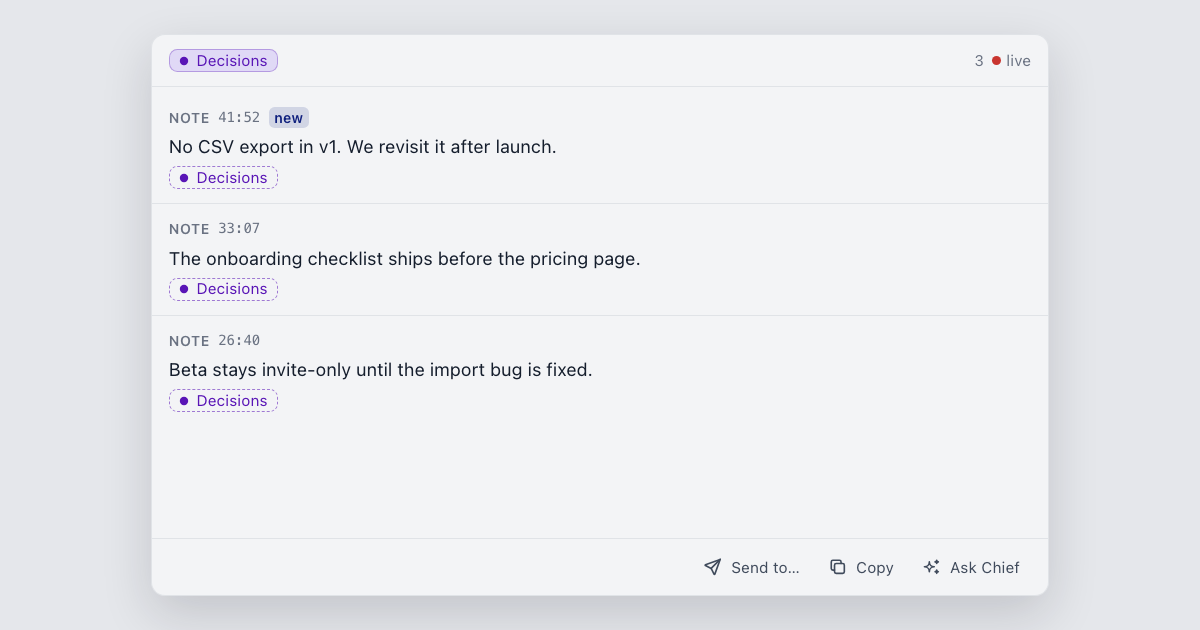
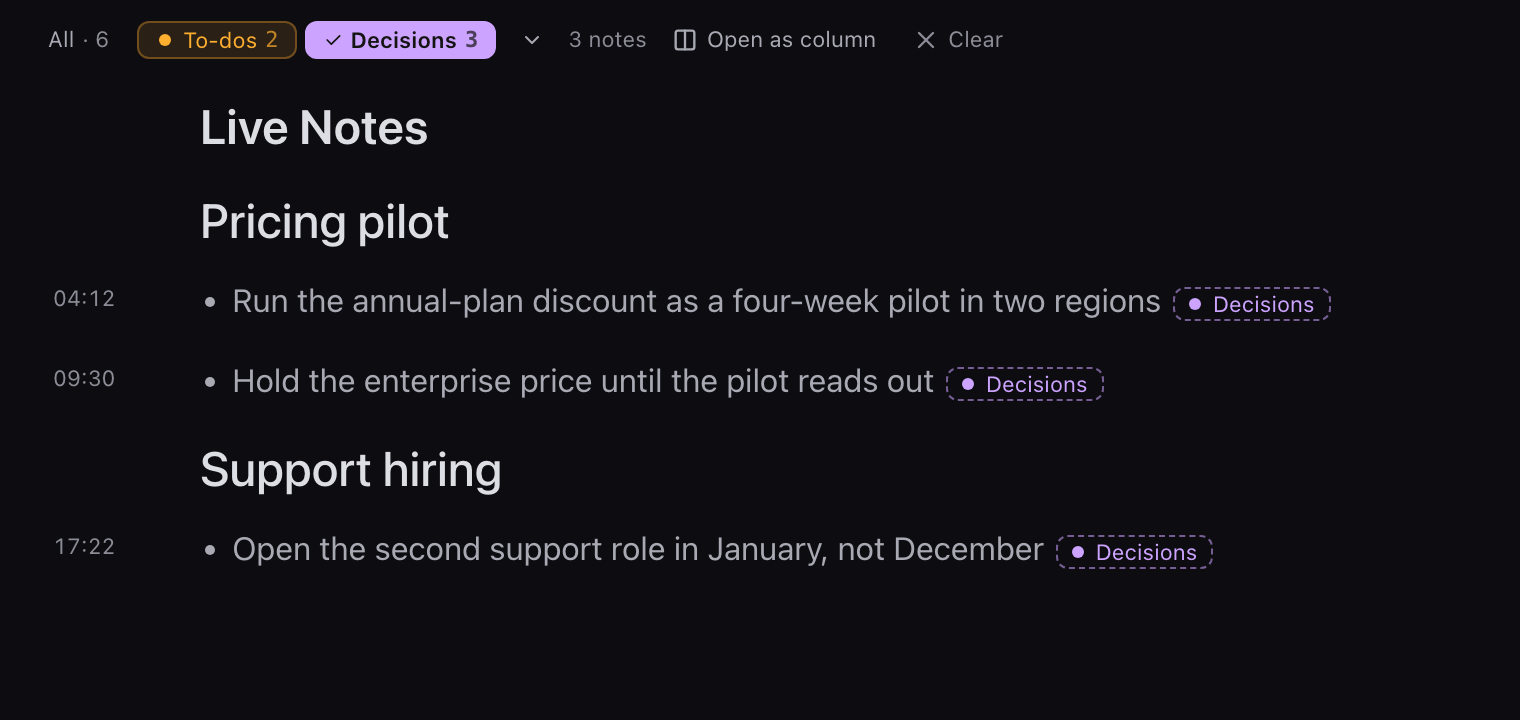
In the Live Notes toolbar, click To-dos or Decisions to show only those points. Pick two or more tags to see points that carry all of them or any of them.
Open as column keeps that list in its own column beside Live Notes, and it updates as the conversation goes.
4. Check a point before the call ends#
Read both lists before anyone leaves, while the people behind each point are still on the call.
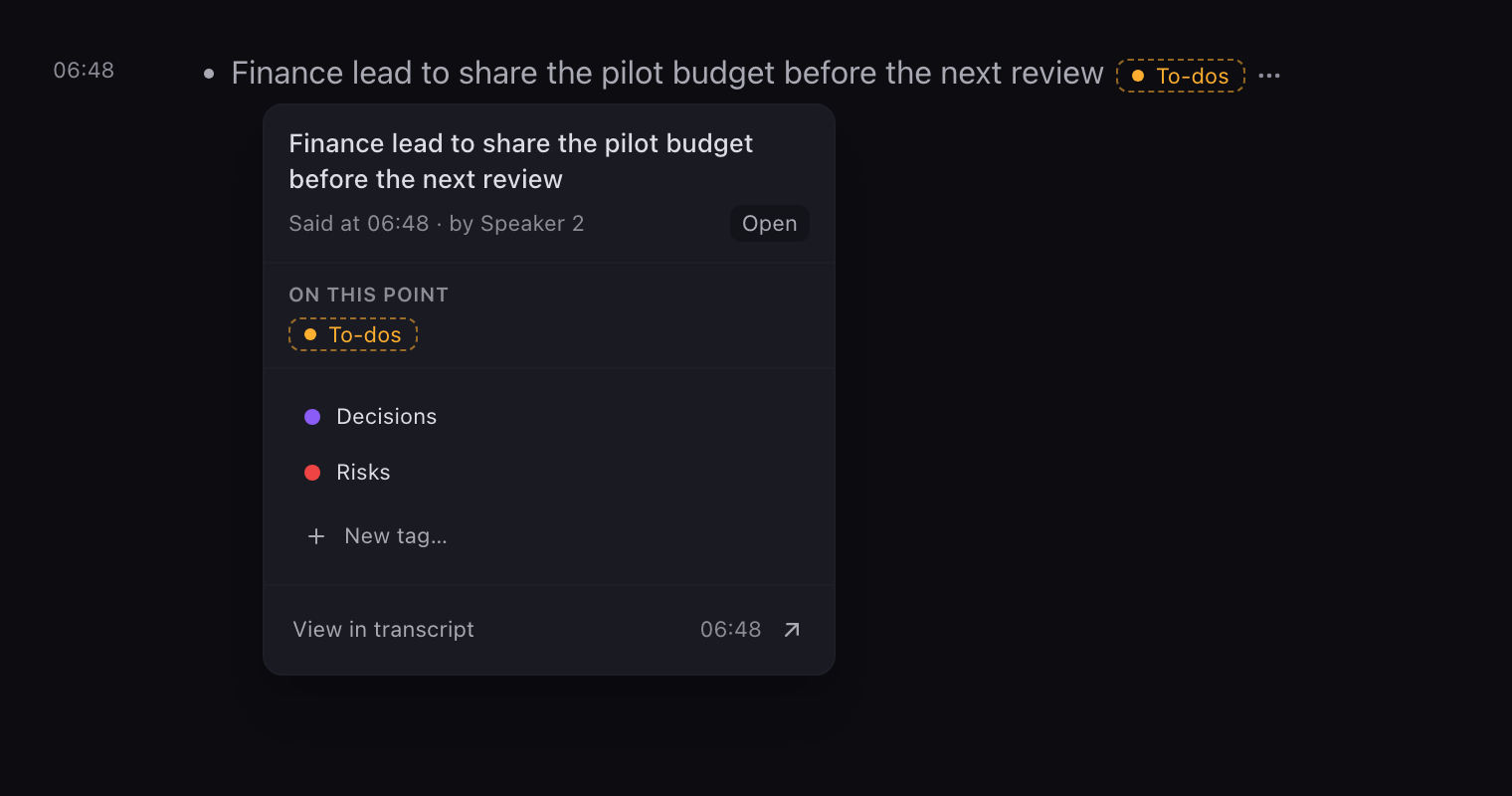
Open a point to add a tag or take off one Chief applied, and a tag you take off stays off. A point shows when it was said, and View in transcript takes you to that moment.
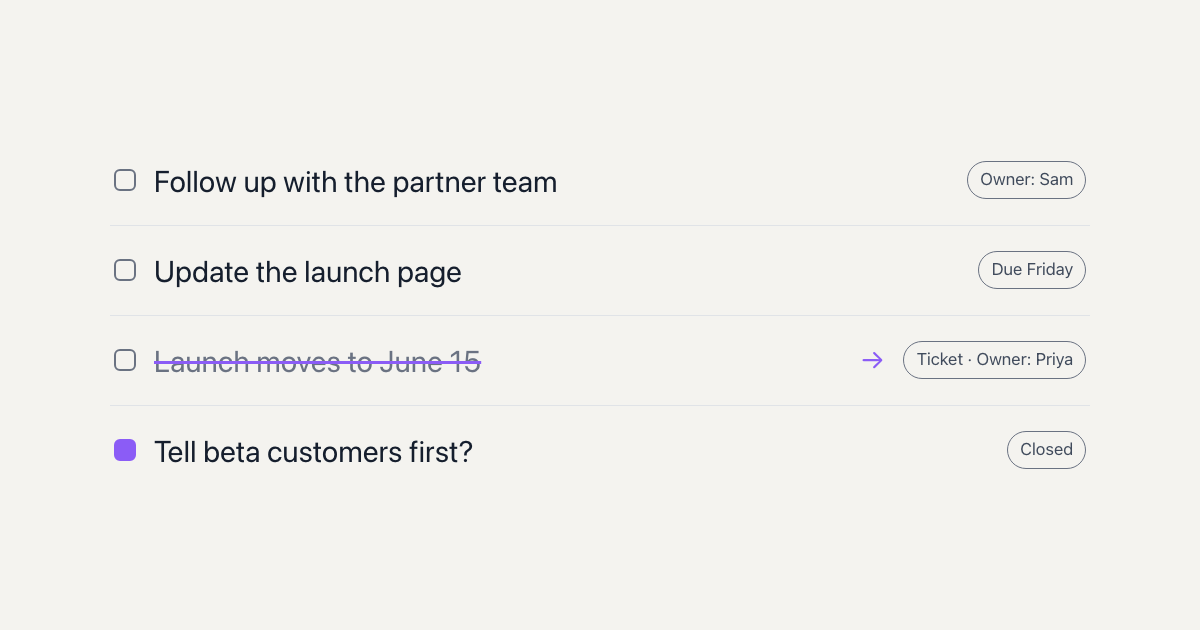
You can mark a to-do done, if you can edit the session's summary. A to-do with no owner named is your cue to ask the room.
5. Add a tag for what your team tracks#
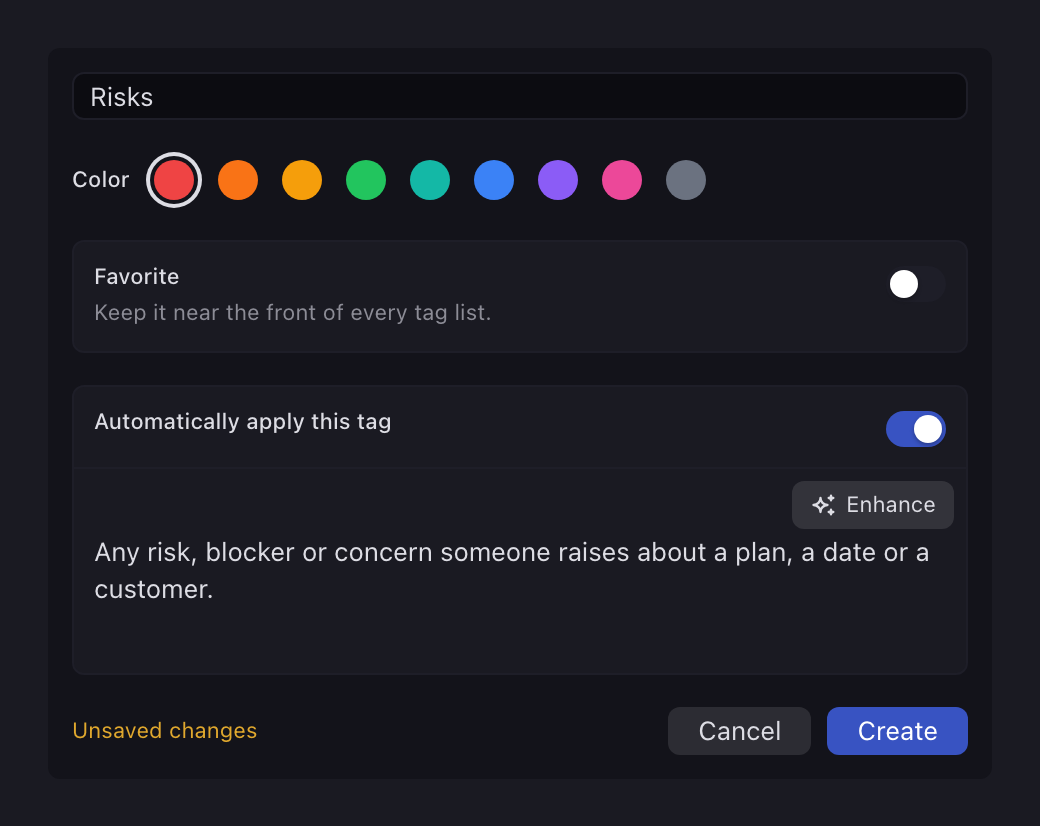
You can add a tag of your own, switch on Automatically apply this tag, and write one sentence about what it should match. Enhance drafts that sentence from the tag's name.
Try "Risks" or "Customer asks". A tag you write applies itself when Chief judges that a point matches your sentence, so it can miss a point or land on the wrong one.
6. Take the lists with you when the call ends#
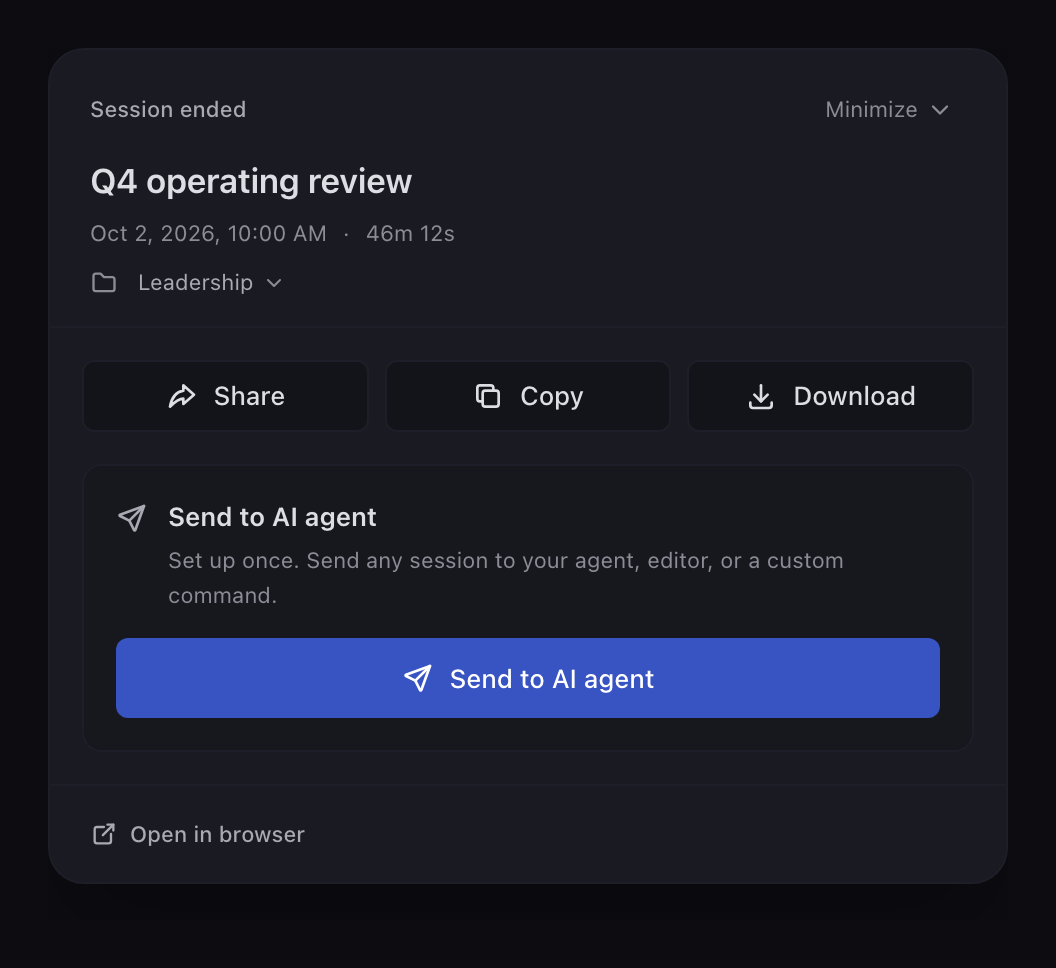
When the call ends, Copy lets you choose what to take. The Live Notes come with each point's tags written after it, so every to-do and decision stays labelled.
From the same sheet you can Download the session or Open in browser.
Where does this help most?#
- A weekly operating review. Filter to Decisions before the call ends and read them back to the room.
- A planning meeting that ends in an email. Copy gives you a recap with every to-do and decision labelled.
For the rest of what a session holds, see Chief's platform.
What are the limits?#
- Chief doesn't set due dates.
- A to-do names its owner only when someone says who owns it during the call. Chief doesn't pick an owner.
- Sorting is a judgement, and a tag can miss a point or land on the wrong one. Check both lists before the call ends.
- Tags don't apply themselves to notes you write yourself, or to points you dismissed or set aside.
- The web app filters by tag. You add and change tags in the desktop app.
- Tagging creates nothing in another tool.
For other tools in this category, see how Chief compares.
FAQ#
Does Chief assign owners and due dates?
No. A to-do names its owner only when someone says it, and Chief doesn't set due dates.What counts as a decision or a to-do?
Chief counts a decision when the group reached a conclusion that affects future work. It counts a to-do when it's a concrete commitment someone would track after the call.What if Chief tags something wrong?
Take the tag off. It stays off, and you can add the right one.Can I track something other than decisions and to-dos?
Yes. Add your own tag and write one sentence about what it should match.Can I find a decision from last month?
Yes. Ask Chief about the meeting. It finds sessions by their title and summary, not by every word spoken, and it can link you to the moment something was said.You leave the call with decisions and to-dos already sorted. The session stays in its project, and you can move it to another one.