Live Session app v1.1.68: Get your thought captures on every Mac you sign in to
Thought captures sync across your Macs with automatic titles and a rebuilt Companion, and Chief now needs macOS 14. Share links take checkboxes, update prompts wait out Live Sessions, notch cards fold away, Collaborator-link participants can copy a Live Session, captures read as paragraphs, and the Tags page works again.
Your thought captures lived on the Mac that made them, and an update prompt could appear right as a call was starting.
Today, we're adding captures that sync across your Macs with a new Companion, along with checkboxes for what a Live Session link shares, update prompts that wait for your Live Session to end, notch cards that tuck away, copy and download for Collaborator-link participants, and captures written in paragraphs.
Captures on every Mac
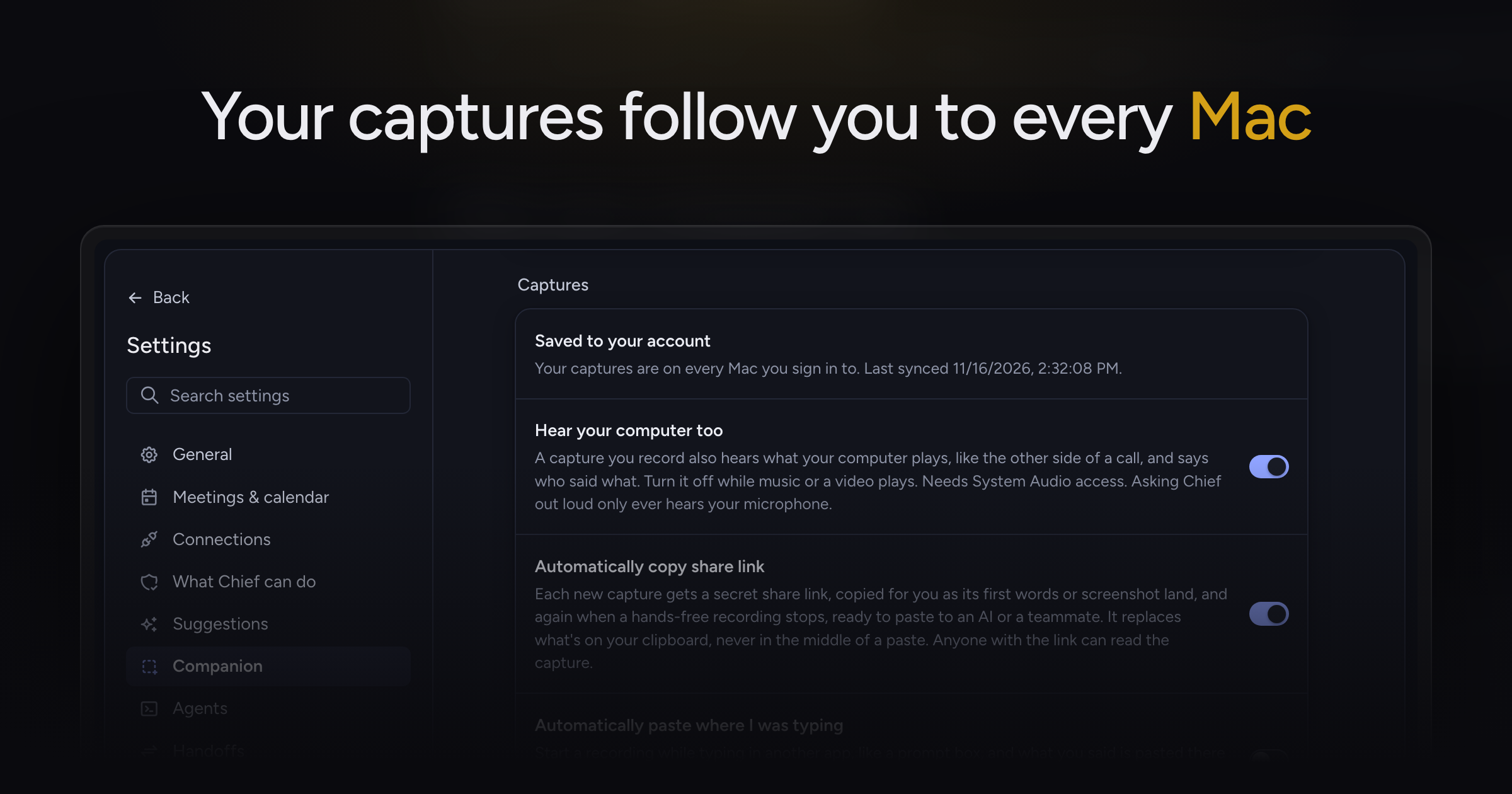
Thought captures now save to your account and appear on every Mac you sign in to. Chief gives each capture a title and a skimmable summary. In Settings, the Captures group shows a Saved to your account row with when your captures last synced, and the reason if the last try failed.
The Companion is rebuilt, with a command palette on ⌃Space, a pin to keep it open, and a pill you can customize. A capture's share link is live: it shows the capture as it is now and updates as you add to it.
The Automatically copy share link setting copies a new capture's link as its first words or screenshot land, and again when a hands-free recording stops. The new Automatically paste where I was typing setting pastes what you said into the app you were typing in, such as a prompt box, once the recording ends and that app is in front again.
In Settings, a shortcut that macOS answers first now says so, with an Open Keyboard Shortcuts button to change it there.
A shared link shows up to 2,000 entries or 4 MB of text, and the page says when a capture goes on past that. Each capture holds up to 200 MB, with screenshots up to 10 MB each. Chief deletes removed captures for good after 30 days.
Chief now requires macOS 14 Sonoma or later.
Share link checkboxes
The Live Session share popover has a What to share box: tick Notes, Transcript, Documents and Summary to choose what the link opens. Notes and Summary tick together, and the popover tells you when a combination can't make a link. You can choose Reader or Collaborator only with everything ticked; otherwise the link is Reader.
The popover counts any other link of this Live Session that is still on, names each by what it shows, and lets you turn it off from there. The access line now reads in one sentence, and the floating bar's and People panel's buttons read Invite. The Summary tab's Share button and its menu now share the same whole-Live-Session link.
You now share Decisions and To-dos links from the tag's own view, not from the Notes, Documents, Activity or Summary menus.
Update prompts outside Live Sessions
Chief no longer shows an update prompt while a Live Session starts or runs. Outside meetings, it announces a ready update on the top-of-screen card, and a Later answer holds for that version.
The "Restart when Live Session ends" choice is gone, because the prompt now waits for the session to end on its own.
Notch cards that fold away
Every card on the Mac notch now tucks into its wing when you move the pointer off it, including the paused Live Session card, hints and voice answers from the Companion. Hover the wing to open a card again. A new voice question opens the card again even after you folded the last answer.
Copy and download for collaborators
If you joined a Live Session by a Collaborator link, the header's Take a copy menu now offers Copy and Download. Send to AI agent… stays with project members, and someone on a read-only watch link gets no menu.
Captures in paragraphs
A capture's speech now reads as paragraphs under one label per stretch of talk, with a new paragraph after a pause. Pasting a capture again gives only the entries added since, with no heading. The tray menu shows when each capture last changed.
Fixes
- On the Tags page, clicks landed on a hidden to-do box and marked a To-do done. Tags and Find a tag respond to clicks again, and a To-do changes only when you click its own box.
- Your own voice on the mic could show under a stored voice name. It now reads You.
- One person talking got cut into a new capture entry every second or two. Entries now break when the voice changes.
- A paste or copy right after speaking missed the last words. It now includes them.
- Chief forgot the project you picked in the bar by the next capture. It now remembers it, and the Companion's project setting starts on the project you last picked.
- Switching to Ask Chief and back moved the bar. It now returns to where it was.
- A capture that started with a screenshot got no name from its words. Chief now names it from its first words.
- A shared capture link fell behind while someone was still talking. It now keeps up.
- A slow audio start asked for a restart for the rest of the session. It now asks only when it needs to.
- Splitting the last entry handed to an AI sent its words again. It now sends only what is new.
- A failed Join from a call card gave no sign while you kept the window closed. Chief now opens the window.
- A speaker name stored as an email address showed in full. Chief now shows the part before the @.
Update, then open a capture on your other Mac. Sharing and joining a Live Session covers the share popover.