Apply a label to a large Library selection in a fraction of the time
Applying a label to many selected files in the Library finishes much faster. Fixes cover the upload error that now names every refused file, label renames that no longer create duplicate names, and Library and file-picker search results that a teammate's upload used to replace.
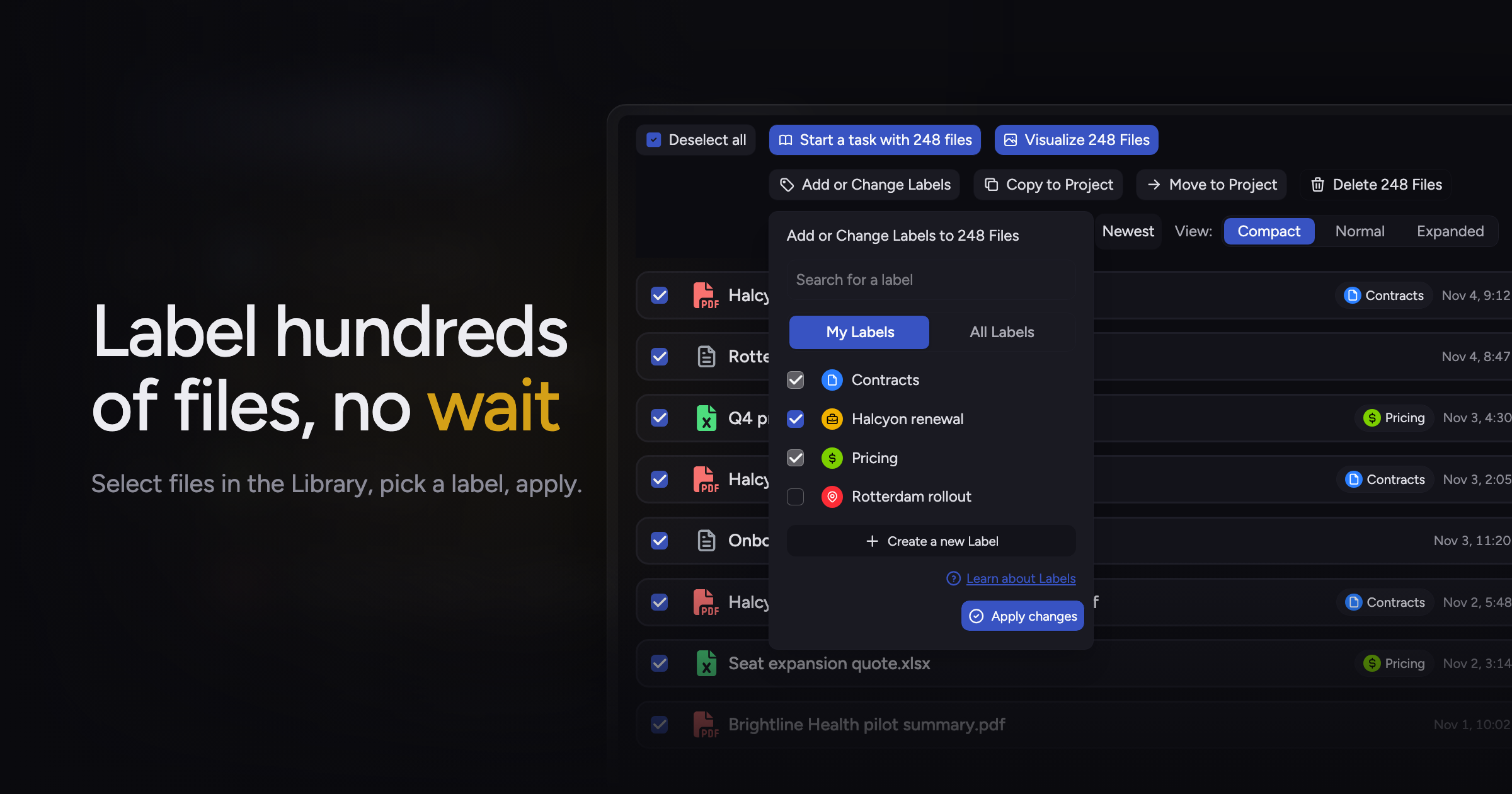
Selecting a few hundred files in the Library and applying a label meant watching the spinner while Chief worked through them.
Today, we're making bulk labeling in the Library much faster, along with fixes to the upload error, renaming labels, and search results during a teammate's upload.
Bulk labeling in the Library
Select files in the Library, pick a label, and apply it. The spinner clears in a fraction of the time it took before, and the gap grows with the size of your selection.
Applying a label to a file that already carries it leaves that file as it is. If any file in the selection is outside the project, Chief refuses the whole request and labels none of them.
Bulk labeling covers selecting files and applying a label.
Fixes
- Dropping a too-large file together with an unsupported one showed an upload error naming only the too-large file, and a file still uploading in the same drop replaced the error entirely. The error now lists every file the drop held back under its full name, with each file's reason and the 100MB size limit.
- Renaming a label to the name of another label in the same project, in any capitalization, left two labels with the same name. The Edit Label window now refuses the rename with "Label name already exists", the same way creating a label with that name does.
- A teammate's upload replaced your search results in the Library or the @ file picker with the project's unfiltered files. Your search results stay on screen, and new files appear once you clear the search.
Open your Library, select a batch of files and apply a label. Creating & customizing Labels covers naming and editing labels.