Schedule a live session for every Google Calendar meeting
Turn on Google Calendar scheduling and Chief files a live session ahead of time for each upcoming video meeting, adds its link to the calendar event and lets everyone on the invite open it, with an organization default owners can recommend and audit log entries for invite access. The web app also loads when your browser blocks site data.
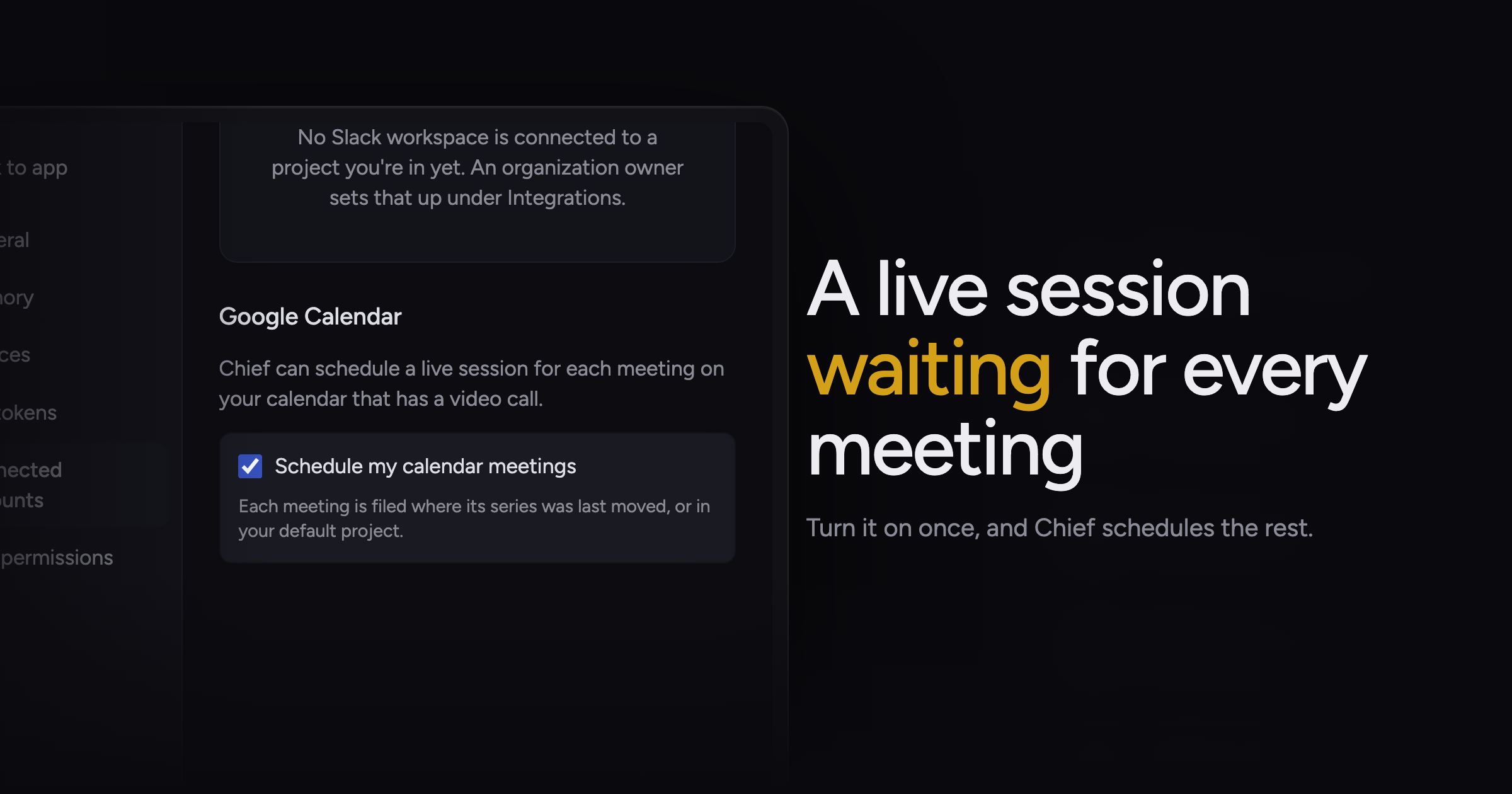
Starting Chief for a meeting was a manual step, and on a busy day it was the step you forgot until the call was half over.
Today, we're adding Google Calendar scheduling, along with a fix for the web app when your browser blocks site data.
Sessions from your calendar
Turn on Schedule my calendar meetings in the Google Calendar settings, and Chief schedules a live session ahead of time for each meeting on your calendar that has a Zoom, Google Meet or Microsoft Teams link. Chief files each meeting where you last moved its series, or in your default project, and every attendee with a Chief account in your organization is on the session from the start.
Chief writes the session link onto the calendar event, so the meeting and its notes sit in one place. Attendees get no extra notification when the link appears. A rescheduled meeting keeps its session, and a cancelled one removes its session unless someone already wrote notes in it.
Opening a meeting that has not started yet shows "This meeting hasn't started yet" on the web, with its agenda and notes in the Chief app.
Chief reads only your primary calendar, and only after you turn the setting on yourself. An admin has to connect your organization's Google Workspace first; the Google Workspace admin guide covers that step.
Recommended organization default
An organization admin can switch on Turn on for members by default. Members who haven't chosen then see "Your organization recommends turning this on" with the toggle pre-checked, and nobody's calendar is read until they turn it on.
Invite links that admit attendees
Anyone on the meeting's invite who signs in with the address the invite went to can open the session from the calendar link, with nothing for the host to approve. Members of your organization can start and host the session; people from outside it can read and edit the notes but cannot host.
Someone who opens the link without signing in sees "Sign in to open these meeting notes". A person whose email is not on the invite sees "You don't have access to these notes", so a forwarded link opens nothing for them. Removing someone from the invite ends their access.
The audit log records each time a member gets access through a calendar invite and each time removal from the invite ends it.
Meetings you can prepare for
- A recurring team sync every Monday: let Chief file each week's session where you moved it.
- A client call with outside guests: send the invite and they open the notes with their invited email.
- A packed calendar next week: turn scheduling on once and find every video meeting ready as a session.
Fixes
- With cookies or site data blocked in your browser, the web app used to fail to load. It now opens, and your language follows your browser setting.
Open the Google Calendar settings and turn on Schedule my calendar meetings. Google Calendar (read, create, RSVP) covers the connection behind it.