Generate short videos in chat, and use your logo in new images
Chief can generate short videos in a chat and can use images already in the chat, such as an uploaded logo, as references when it generates an image or video; video generation spends credits. Notion row updates now catch a wrong property name before you approve them.
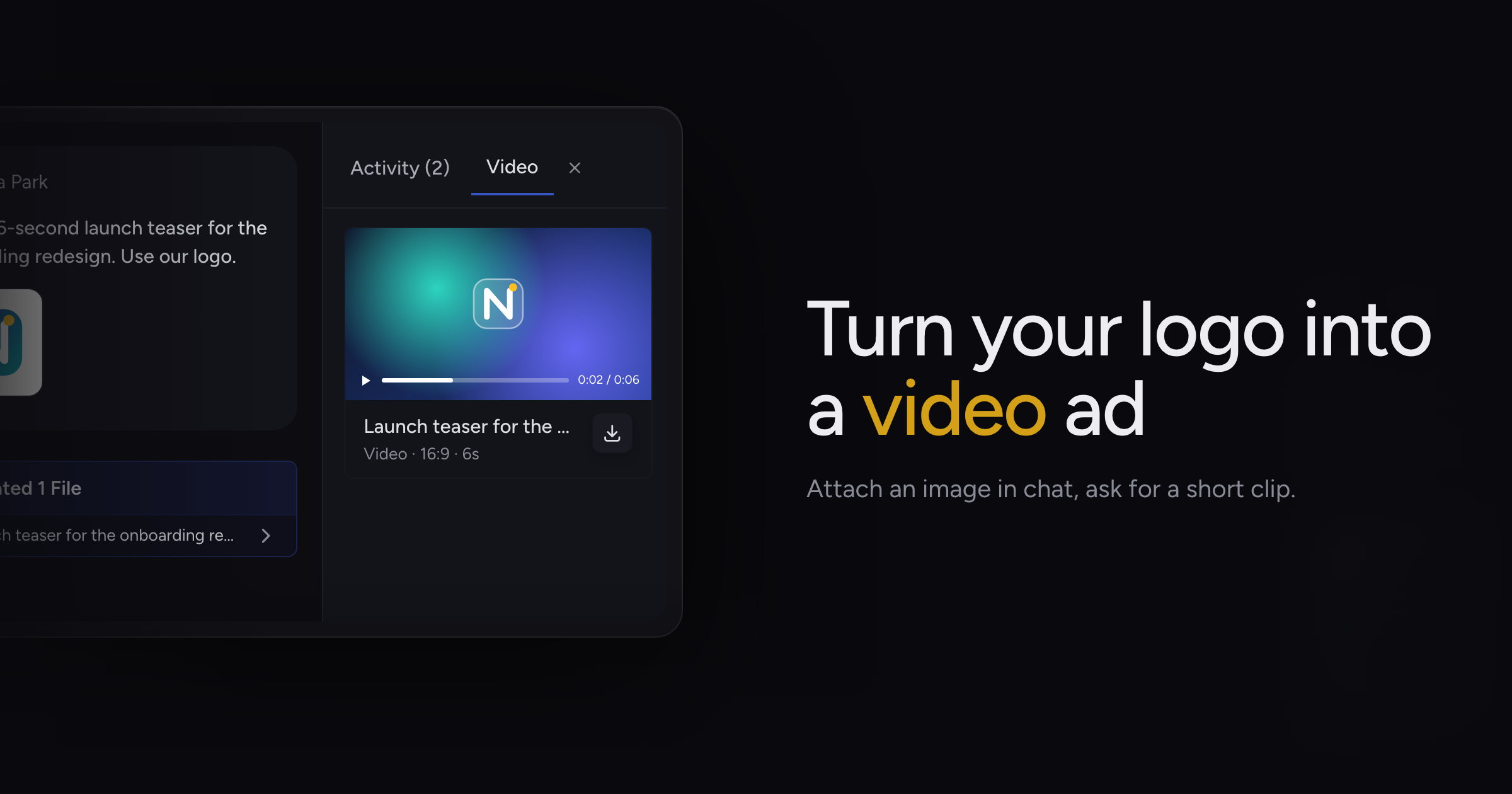
Image generation in Chief started from your words alone, so an ad that needed your logo meant editing it in afterwards, and asking for motion got you nothing.
Today, we're adding video generation and reference images, along with a fix to Notion row updates.
Short videos in chat
Ask Chief for a clip and it generates a short video in the chat. The activity feed shows Generating Video while it works and Video Generated when it finishes, and the video appears as a card you can open in the Video tab beside the chat to play it.
A video takes longer than an image. If you close the chat before it finishes, the card reads "Still rendering. Reopen the chat later to watch it." and the finished video is there when you come back.
If a render does not succeed, the card says "Video generation failed".
Video generation spends credits from your balance, like other generated work.
Chat images as references
Chief can now use images already in the chat as references for a new image or video. That includes files you upload, such as a logo or a product shot, and images Chief generated earlier in the same chat.
Chief only uses images from the current chat as references.
Generated media to try
- A launch ad with your brand: upload your logo and ask Chief for an ad image using it.
- A product teaser: attach a product photo and ask Chief for a short video clip featuring it.
- A variation on an earlier image: ask Chief for a new version of an image it made.
Fixes
- Chief could prepare a Notion database row update with a property name or type the row does not have, and the update failed only after you approved it. Chief now checks the row's real properties and corrects the update before it shows you the confirmation card.
This check covers updates to existing rows. Creating a new row, and choosing a select or status option that does not exist, can still fail after approval.
Open a chat, attach an image and ask for a video. Generating images covers how Chief creates images.